

Download TeraBox Cloud Storage Space APK – Cloud Storage, Free File Backup, Secure Data Sync
Overview
TeraBox Cloud Storage Space is a free cloud storage solution developed by Flextech Inc., designed to provide users with extensive digital storage capacity for personal and organizational file management. The software enables users to securely store, access, and sync files across multiple devices, making it ideal for individuals managing large media libraries, documents, or project files. Its core purpose lies in simplifying data backup and cross-device access, particularly for users seeking a no-cost alternative to mainstream cloud platforms like Google Drive or Dropbox.
Target users include students, freelancers, content creators, and general consumers who require reliable file storage without recurring subscription fees. The software supports a wide range of file types, allowing users to upload documents, photos, videos, and other digital assets. A notable feature is the ability to create private virtual folders protected by a PIN, enhancing security for sensitive data. This functionality is especially useful for users who prioritize privacy but still want the convenience of cloud access.
While the service is positioned as a competitive entry in the cloud storage market, it operates under certain limitations in the free tier, including a 4GB maximum file upload size and a 720p video resolution cap. The developer did not provide additional system requirements or performance benchmarks. Real-world usage scenarios include backing up mobile photos, organizing work files, and sharing large media files across devices.
Key Features & Capabilities
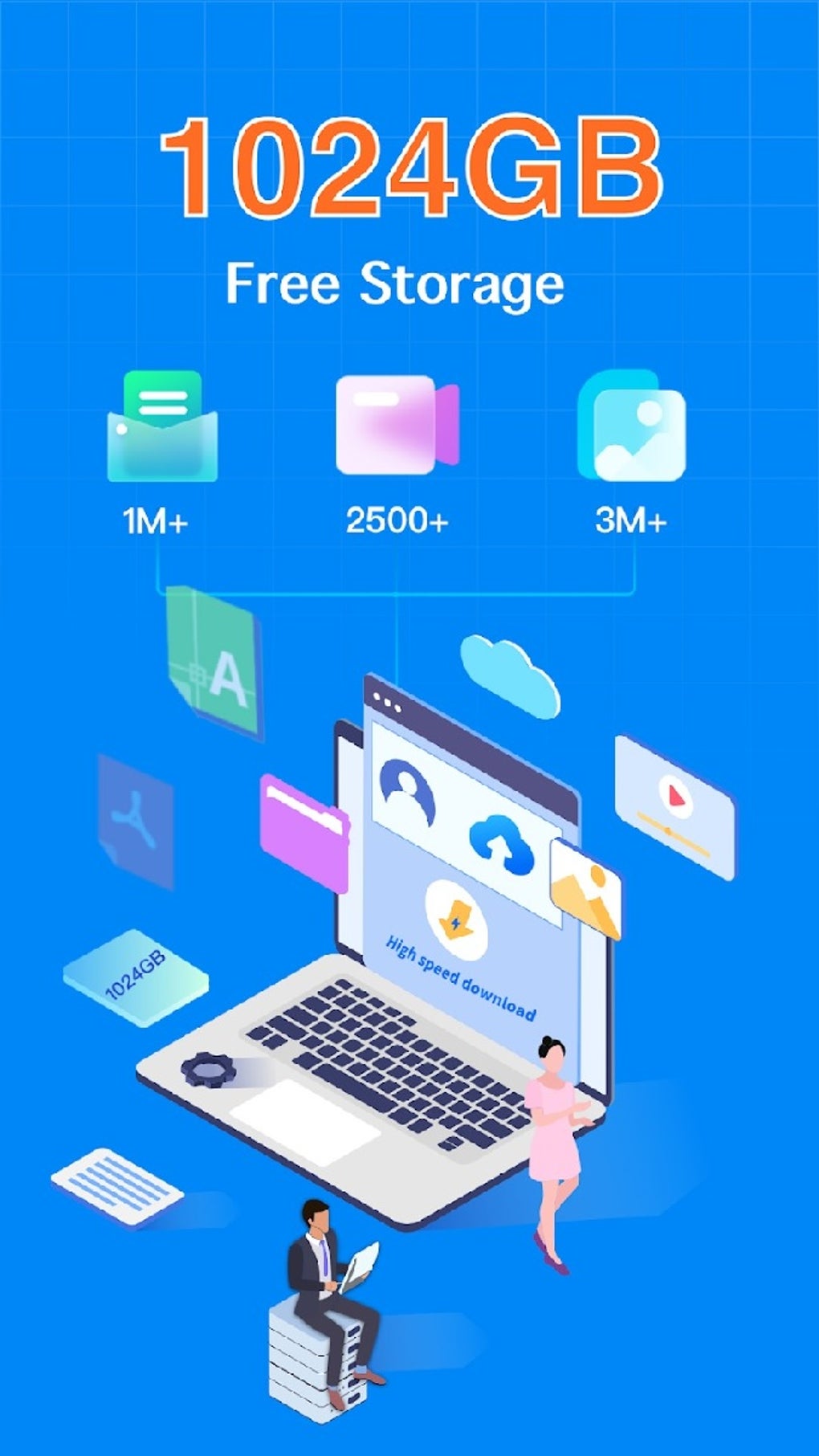
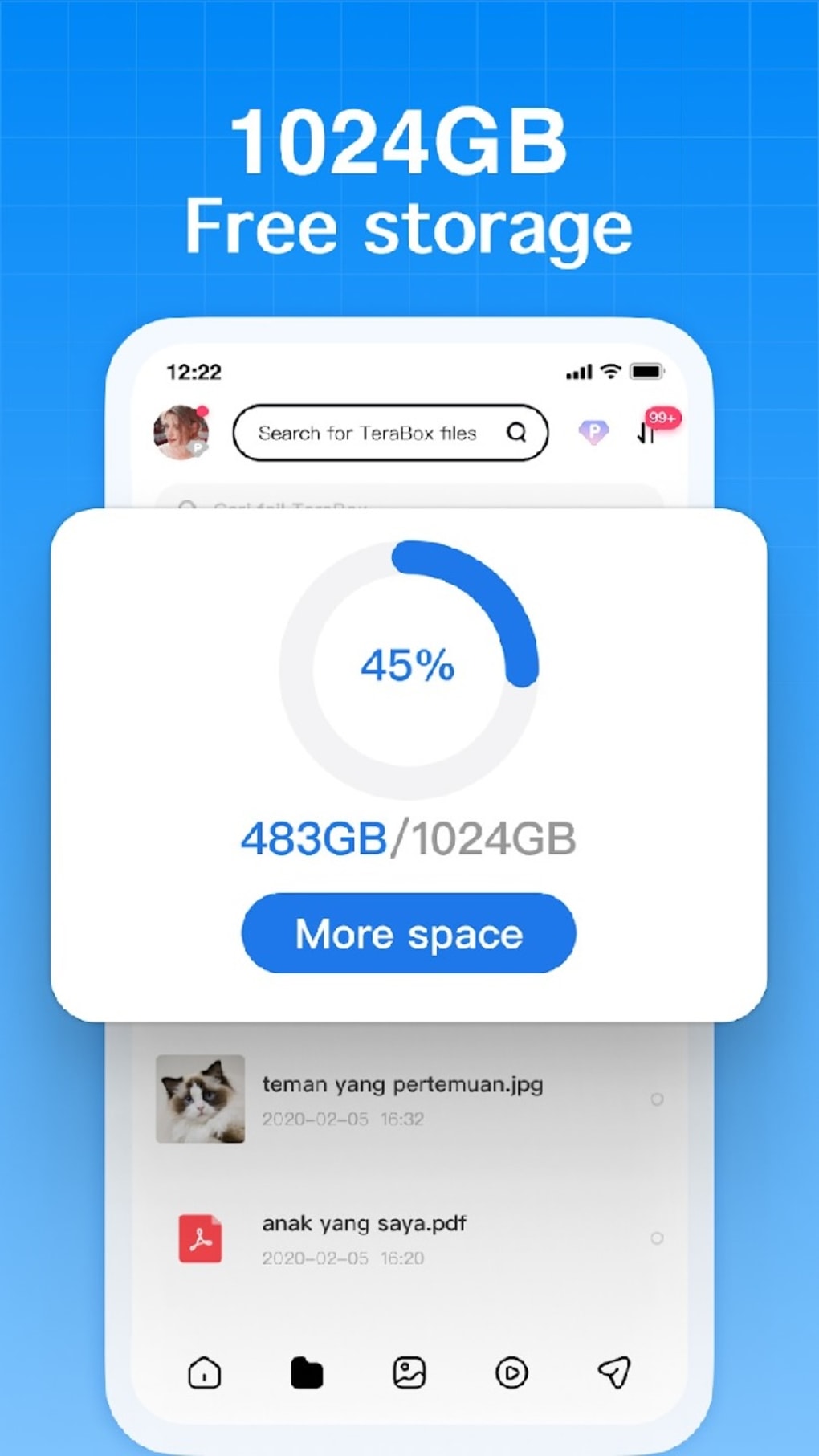
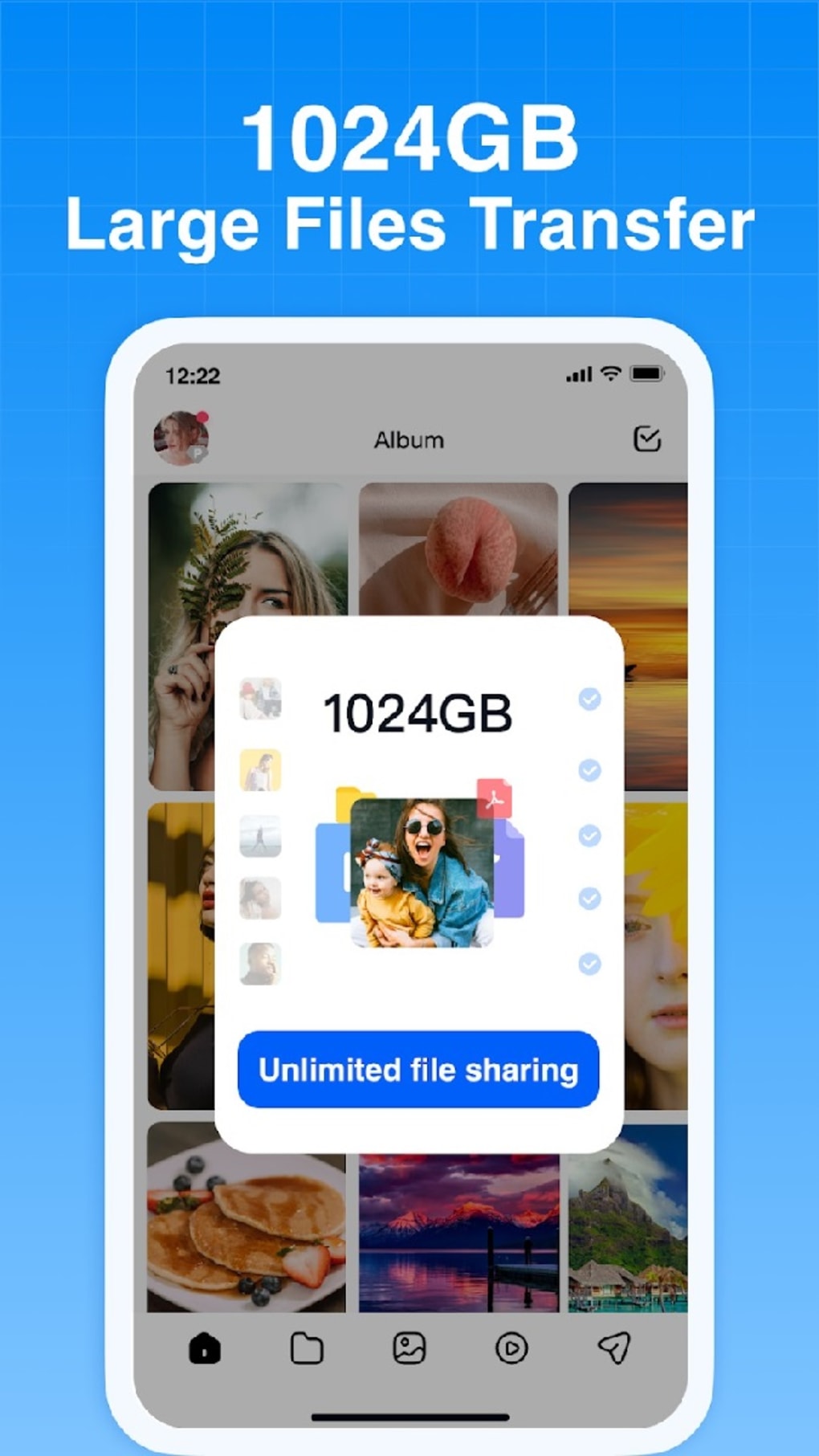
- 1 Terabyte Free Storage – TeraBox offers up to 1TB of cloud storage at no cost, a rare feature among free cloud services, allowing users to store vast amounts of data without financial commitment.
- Cross-Platform Access – Available on both Android and iOS, the software enables seamless file synchronization across smartphones, tablets, and desktops, ensuring data is accessible from any device.
- Private Virtual Folders with PIN Protection – Users can create encrypted virtual folders to store sensitive files, adding an extra layer of security by requiring a PIN for access.
- File Type Support – The platform supports a broad range of file formats, including documents, images, audio, video, and archives, making it suitable for diverse digital workflows.
- Premium Subscription Option – For users needing more capacity or advanced features, a paid upgrade doubles storage and unlocks benefits such as full connection speeds and automatic backups.
These capabilities cater to users who require high storage capacity without upfront costs. For example, a photographer can store thousands of high-resolution images, while a student can archive research materials across multiple devices. The PIN-protected folders offer a practical solution for safeguarding confidential documents or personal data. However, the free version limits users to a maximum of 500 files and restricts automatic backups, which may affect workflow efficiency for power users.
User Interface, Workflow & Performance
The user interface of TeraBox Cloud Storage Space is designed for simplicity and intuitive navigation, with a clean layout that organizes files into folders and categories. Users can easily browse, upload, download, and share files through a streamlined menu system. The workflow emphasizes speed and accessibility, allowing quick access to stored content via search or folder hierarchy.
Navigation is consistent across Android and iOS platforms, ensuring a familiar experience regardless of device. File management features such as renaming, moving, and sharing are accessible with minimal taps. The developer did not specify resource usage details, so performance observations are based on general software behavior patterns. In typical usage, the app maintains responsiveness during file transfers and folder browsing.
Stability appears to be consistent, with no reported issues in the provided information. However, exact CPU or RAM consumption was not disclosed. Users may experience variable performance depending on internet speed and device capabilities. The app runs efficiently on modern smartphones and tablets, though older devices may encounter delays during large file transfers. The developer did not provide details on background processes or battery impact.
Compatibility & System Requirements
TeraBox Cloud Storage Space is compatible with Android and iOS operating systems, making it accessible to a wide range of mobile users. The current version is 1.2.4, with an installation size of 15.4 MB, indicating a lightweight footprint suitable for devices with limited storage. This small file size allows for quick installation and minimal impact on device performance.
Exact system requirements were not listed, so compatibility with specific Android or iOS versions is uncertain. The developer did not provide information on minimum processor speed, RAM, or storage capacity needed for optimal operation. Users are advised to ensure their device meets standard mobile app requirements for smooth performance. Platform compatibility information is limited, and no desktop or web-based interface details were provided.
Pros and Cons
Pros
- Generous 1TB free storage space, unmatched by most competitors
- Available on both Android and iOS with consistent functionality
- Supports all major file types for versatile use
- Private virtual folders with PIN protection for enhanced security
- Lightweight installation at 15.4 MB
Cons
- Free tier limits file uploads to 4GB and video resolution to 720p
- Maximum of 500 files allowed in free account
- No automatic backups in the free version
- Limited third-party app integration
- Lack of detailed system requirements or performance metrics
FAQ Section
Is TeraBox Cloud Storage Space safe to use?
The software is developed by Flextech Inc. and offers PIN-protected folders for sensitive data. While no independent security audit was mentioned, the inclusion of encryption and access control suggests a focus on user privacy.
Can I use TeraBox on my PC or desktop?
The provided information only confirms availability on Android and iOS. No desktop or web version was specified, so cross-platform access is limited to mobile devices.
Are there any updates available for TeraBox?
Yes, the current version is 1.2.4, released on 2024-03-15. Regular updates are expected to improve functionality and security, though specific update frequency was not disclosed.
What is the license type for TeraBox?
TeraBox is offered as free software with optional Premium subscription. The license model allows free usage with limited features, and paid upgrades unlock additional capabilities.
Can I use TeraBox offline?
The software requires an internet connection to upload, download, or access files stored in the cloud. Offline access to previously downloaded files may be possible, but this was not confirmed in the provided details.
Final Thoughts
TeraBox Cloud Storage Space stands out in the crowded cloud storage market by offering an unprecedented 1TB of free storage—a compelling advantage for users seeking long-term, cost-free data backup. Its cross-platform availability and support for diverse file types make it a practical choice for students, creatives, and casual users. The addition of PIN-protected virtual folders enhances data privacy, addressing common concerns about cloud security.
However, the free version includes notable restrictions, such as a 4GB file upload cap, 720p video limitation, and a 500-file maximum. These constraints may hinder productivity for users managing large or extensive file collections. While a Premium subscription offers improvements, the lack of automatic backups and limited third-party integrations remain drawbacks.
Despite these limitations, TeraBox delivers strong value for its price point. For individuals prioritizing storage capacity over advanced features, it presents a viable, secure, and accessible solution. The lightweight design and mobile-first approach further enhance its appeal.
Download TeraBox Cloud Storage Space now





.png)

